Help · Money
Supplier details for card orders
What WataDish needs to know about your business before your customers can pay by card, and how the check goes.
Included in: StarterStandardPro
When a customer pays by card, WataDish sells them the order and you prepare it as WataDish's supplier; WataDish then pays you what it owes you for it. Before the first such order, WataDish has to know who it buys from and where to pay, and to check it. That is what the Supplier details page is for. Only the owner can open it. If your plan does not include card payments the page says so; you can still fill it in, and it is kept for when it does.
Where the check stands
The badge at the top says where you are: Not sent yet, With WataDish to check, Checked or Needs a change, with WataDish's note. Once checked, changing anything on this page sends your details to be checked again, and card payments pause until they have been.

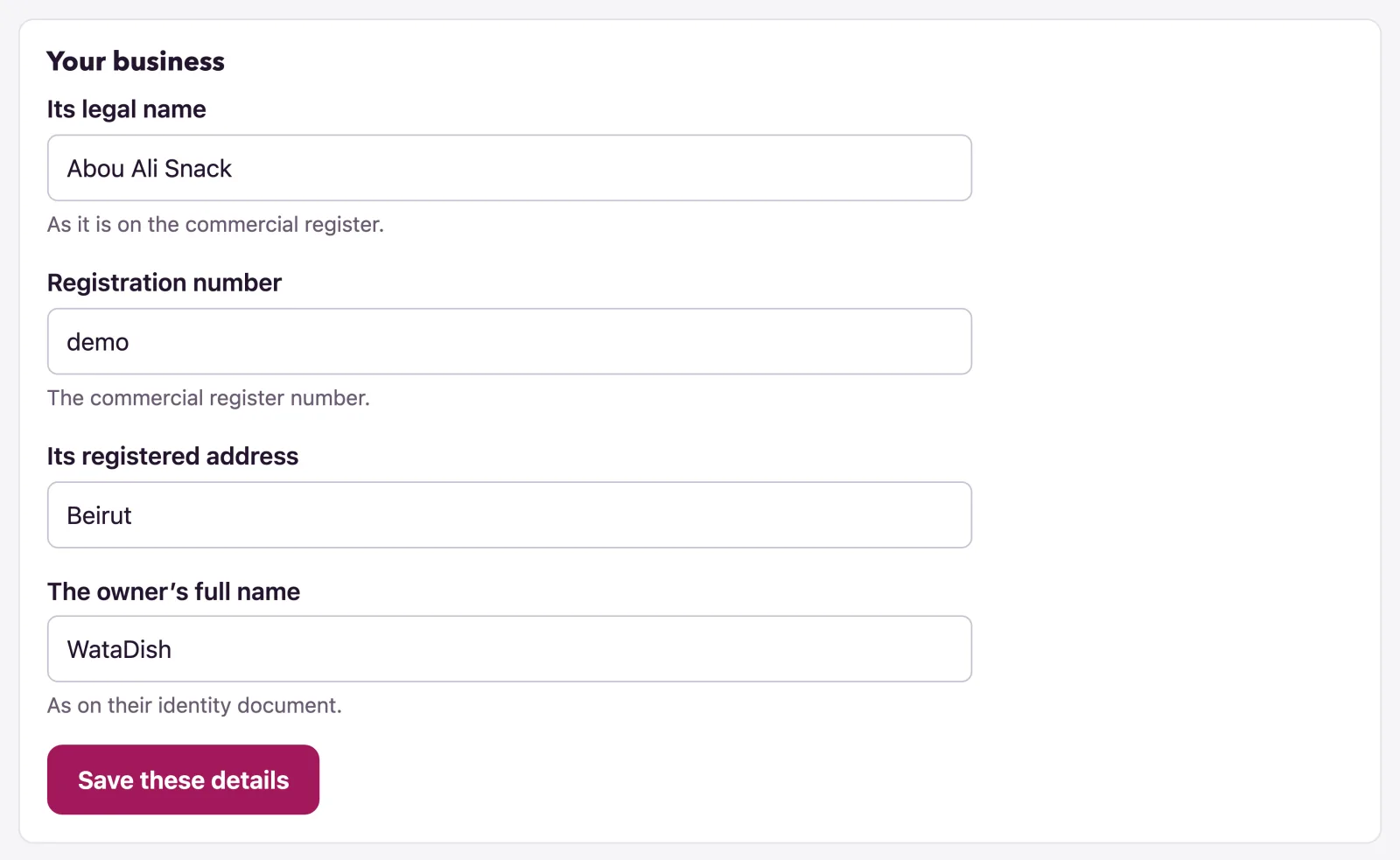
Your business
- Give Its legal name, as it is on the commercial register, and the Registration number.
- Give Its registered address and The owner’s full name, as on their identity document.
- Press Save these details.
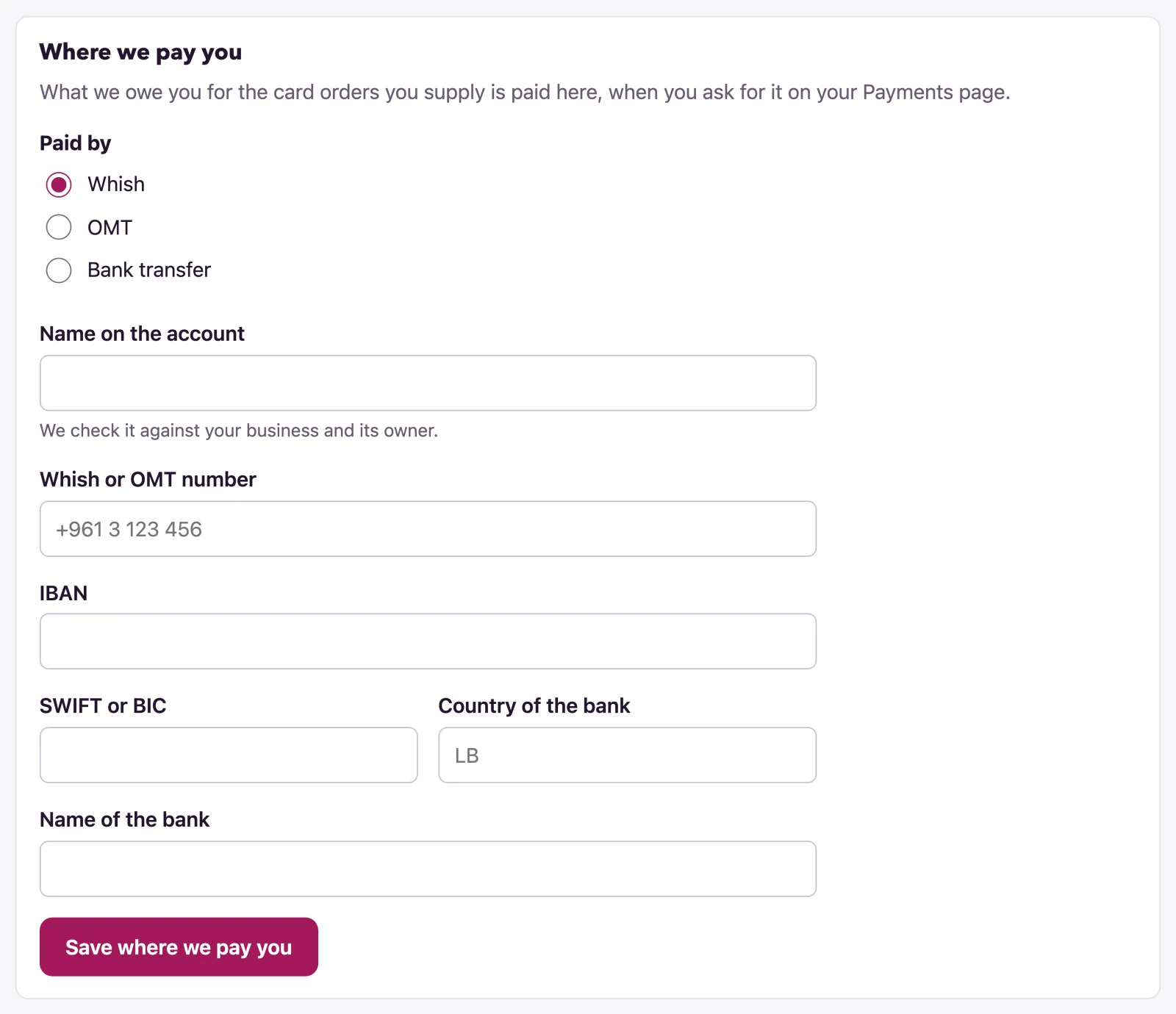
Where we pay you
This is the account WataDish pays what it owes you into, when you ask for it on the Payments page (see Payments and payouts). It is never typed there: only here, and WataDish checks it first.
- Under Paid by, choose Whish, OMT or Bank transfer.
- Give the Name on the account; WataDish checks it against your business and its owner.
- For Whish or OMT, give the Whish or OMT number. For a bank, give the IBAN, the SWIFT or BIC, the Country of the bank and the Name of the bank; a UK account gives a Sort code and Account number instead, or an IBAN.
- Press Save where we pay you.
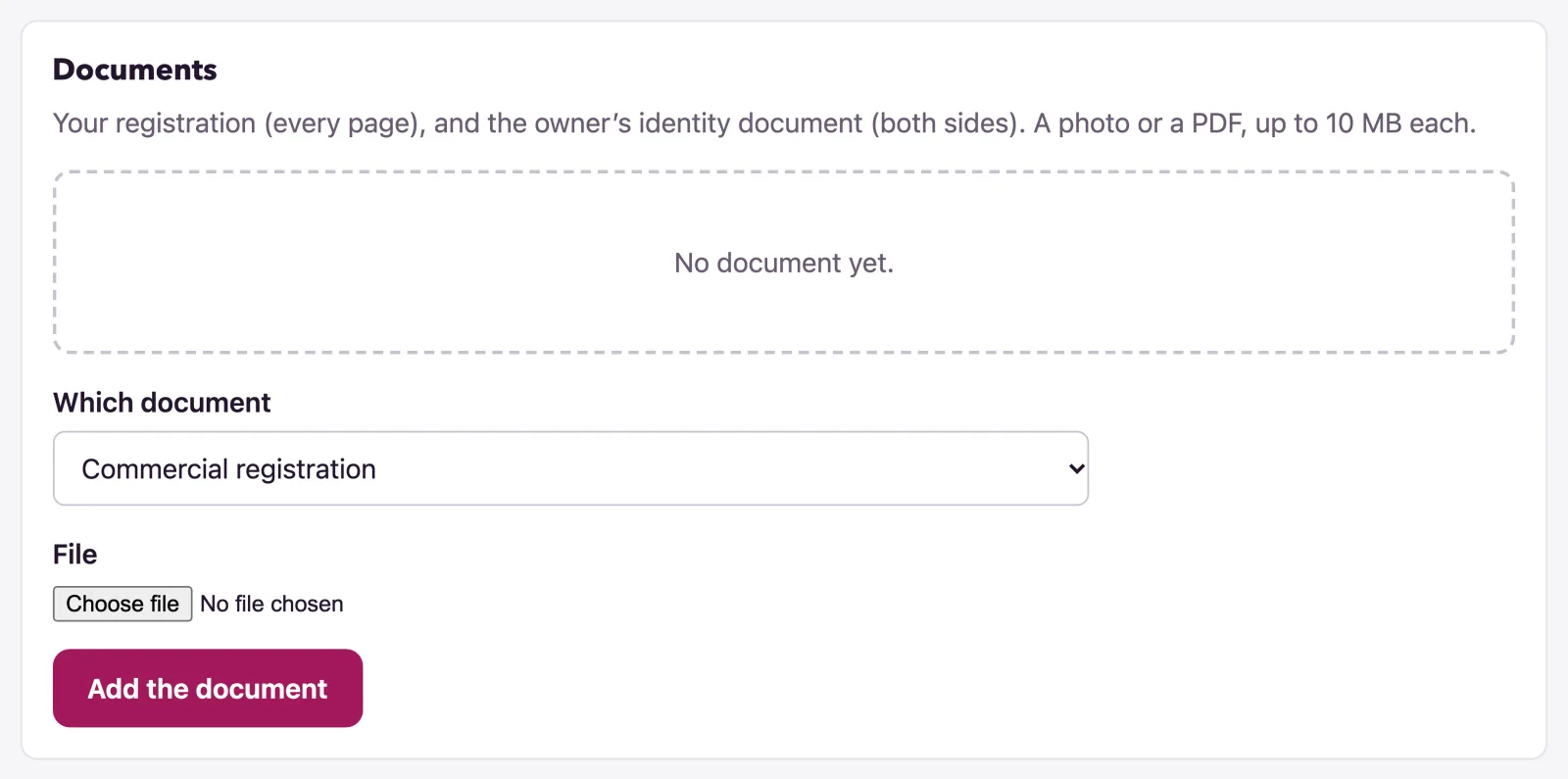
Documents
WataDish needs your Commercial registration (every page) and the Owner’s identity document (both sides); a Proof of the account we pay (optional) can help the check. Each is a photo or a PDF; the page says the size allowed.
- Choose Which document it is, then the File.
- Press Add the document. Add one for every page and side.
A document can be taken back with Remove until WataDish has checked it; after the check it stays as part of the record, and you add a new one instead. Documents are kept out of the web's reach: you can download your own from the list, and nobody else sees them but WataDish.
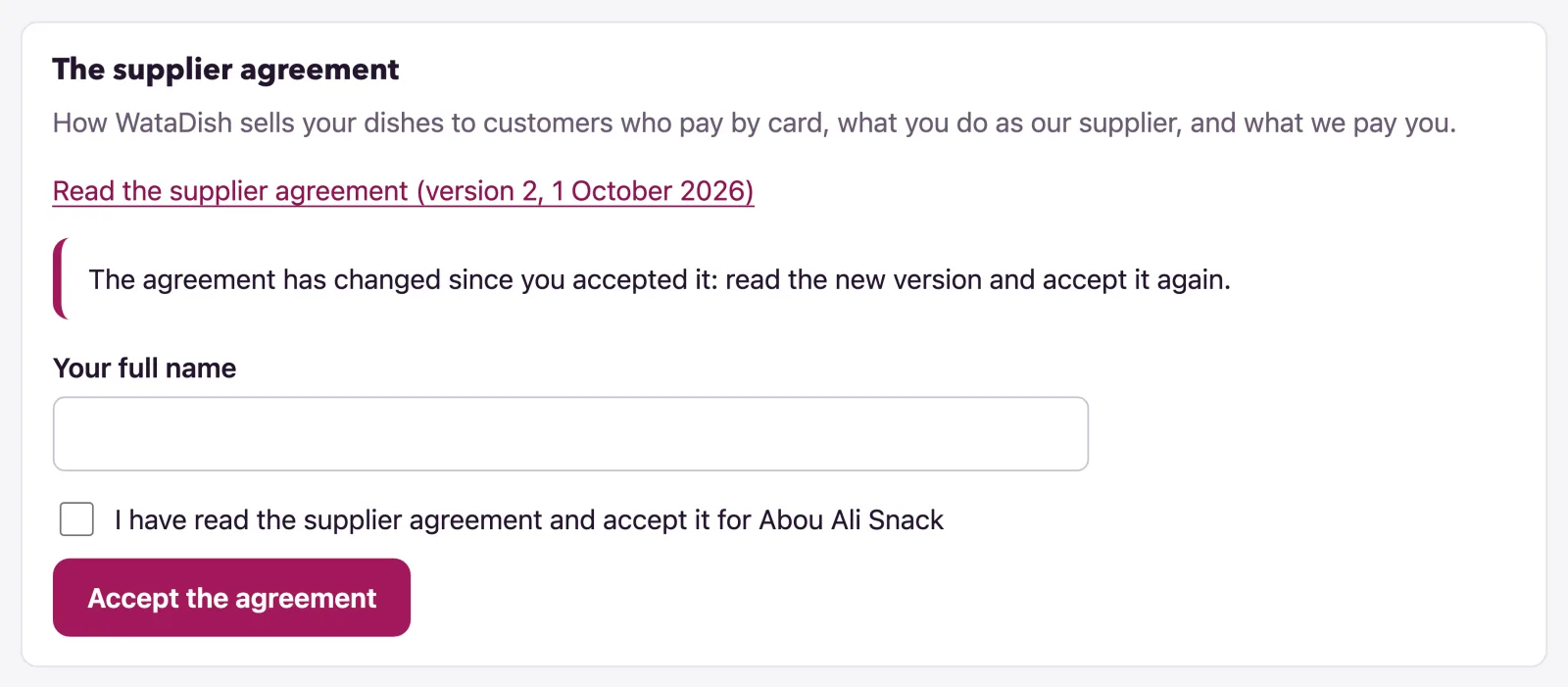
The supplier agreement
The agreement says how WataDish sells your dishes to customers who pay by card, what you do as its supplier and what WataDish pays you. Read it at watadish.com/supplier-agreement: the page's Read the supplier agreement link names the version and its date.
- Give your business's details first: the agreement is made with the business.
- Type Your full name, tick I have read the supplier agreement and accept it for your business, and press Accept the agreement.
The page then shows who accepted it, when, and which version. It is accepted by the owner, signed in as themselves. When the agreement changes, the page asks you to read the new version and accept it again, and card payments wait until you have.
Sending it to WataDish
Once the four parts are in, Send to WataDish offers Send to WataDish to check; until then it lists what is Still to do. WataDish checks your details and documents, and your business and its owner against the UK, EU and US sanctions lists, usually within two working days, and emails you.
- Checked: your customers can pay by card as soon as you switch cards on from the Payments page with Take card payments.
- Needs a change: the page shows the reason; put it right and send again.
What "Sold by WataDish" means
Choosing a card at checkout, the customer reads "Sold by WataDish (Amberlock Ltd)", then that your restaurant, its supplier, prepares the order (and delivers it, serves it or makes it to collect), above the button, with a link to WataDish's terms of sale. The pay page, in your colours, says "You are paying WataDish, the seller"; the "Sold by" line is on their receipt and in their emails too, and their card statement shows WATADISH* and your name. The customer buys from WataDish, which takes the payment, gives the receipt and handles any refund or complaint; you prepare and deliver the order for it, and WataDish lets your name and logo stand on the sale, as the agreement says. An order paid in cash or by transfer to you names no seller: it is your own sale.
Not found what you were looking for? Write to us at support@watadish.com or message us on WhatsApp: WhatsApp