Help · Orders
Orders to your WhatsApp with a link to act on, one-tap updates to customers and a WhatsApp us button, with no API.
Included in: StarterStandardPro
Lebanon orders on WhatsApp, so WataDish works with it rather than against it. Three things use it, and the page says which your plan includes:
- an order sent to your WhatsApp by the customer, with everything on it and a link on which you act on it;
- order updates you send the customer in one tap, written for you in their language;
- a WhatsApp us button on your menu.
None of it uses the WhatsApp Business API. Every message opens in WhatsApp on a phone with the words already written, and whoever holds the phone presses Send, so there is nothing to apply for and nothing to pay per message: WataDish never sends a WhatsApp message itself.
The number
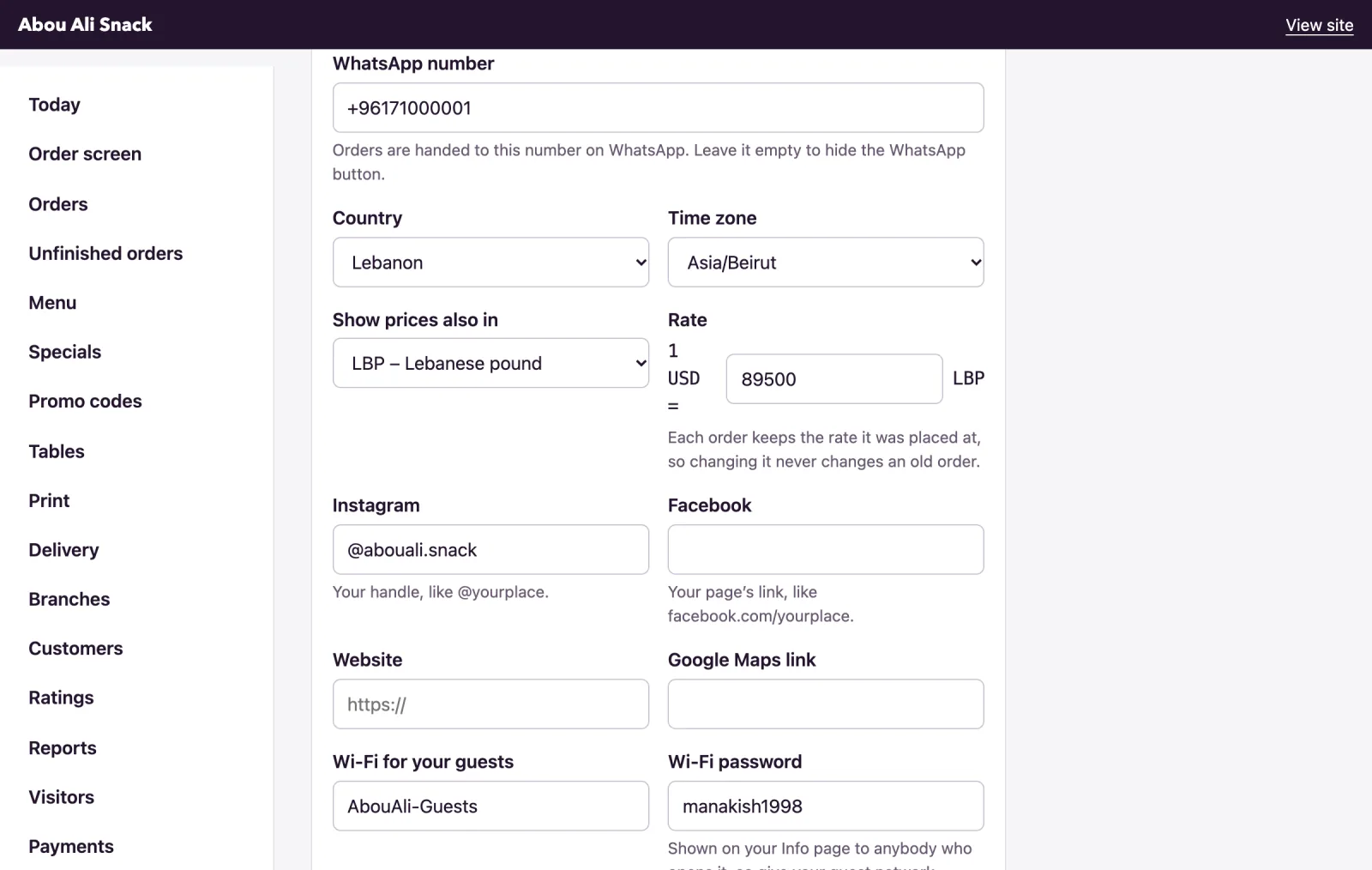
In Settings, under Your business, give your WhatsApp number, like +961 71 123 456; a number typed without a country code is read as your country's. Only the owner can change it: a manager sees it greyed out, with Only the owner can change where customers send their money and their orders. Empty, every WhatsApp button is hidden. A branch can have its own, WhatsApp for its orders on the Branches page.
An order sent to your WhatsApp
Once an order is placed, the customer's page offers Send the order on WhatsApp: "Optional: sends the restaurant a copy from your own number." It opens WhatsApp on their phone with the order written out and addressed to your number; they press Send, and it arrives from their number. Where WhatsApp will not open, WhatsApp did not open? gives them the text to copy.
Your phone receives, in the first language of your menu:
- the heading, Order ABCD2345 and your restaurant's name, then Pickup, Delivery or Table 4;
- each dish with how many and its price, as "2 × Shawarma" and then $16.00, with its choices and notes;
- Code SUMMER10: −$2.50, Delivery: $1.00 and Tip: $2.00 where they apply, then Total: $22.00, in pounds too;
- Paying in cash, Paid by card or Paying by transfer, with the code ABCD2345 (not sent yet);
- For: Mon 19:00 on an order wanted later, Name:, Deliver to: and Notes:;
- Follow the order: the customer's page, and For the restaurant: your link.
A very long order is shortened so that the link still opens; the two links always survive, and the order's page has every word.
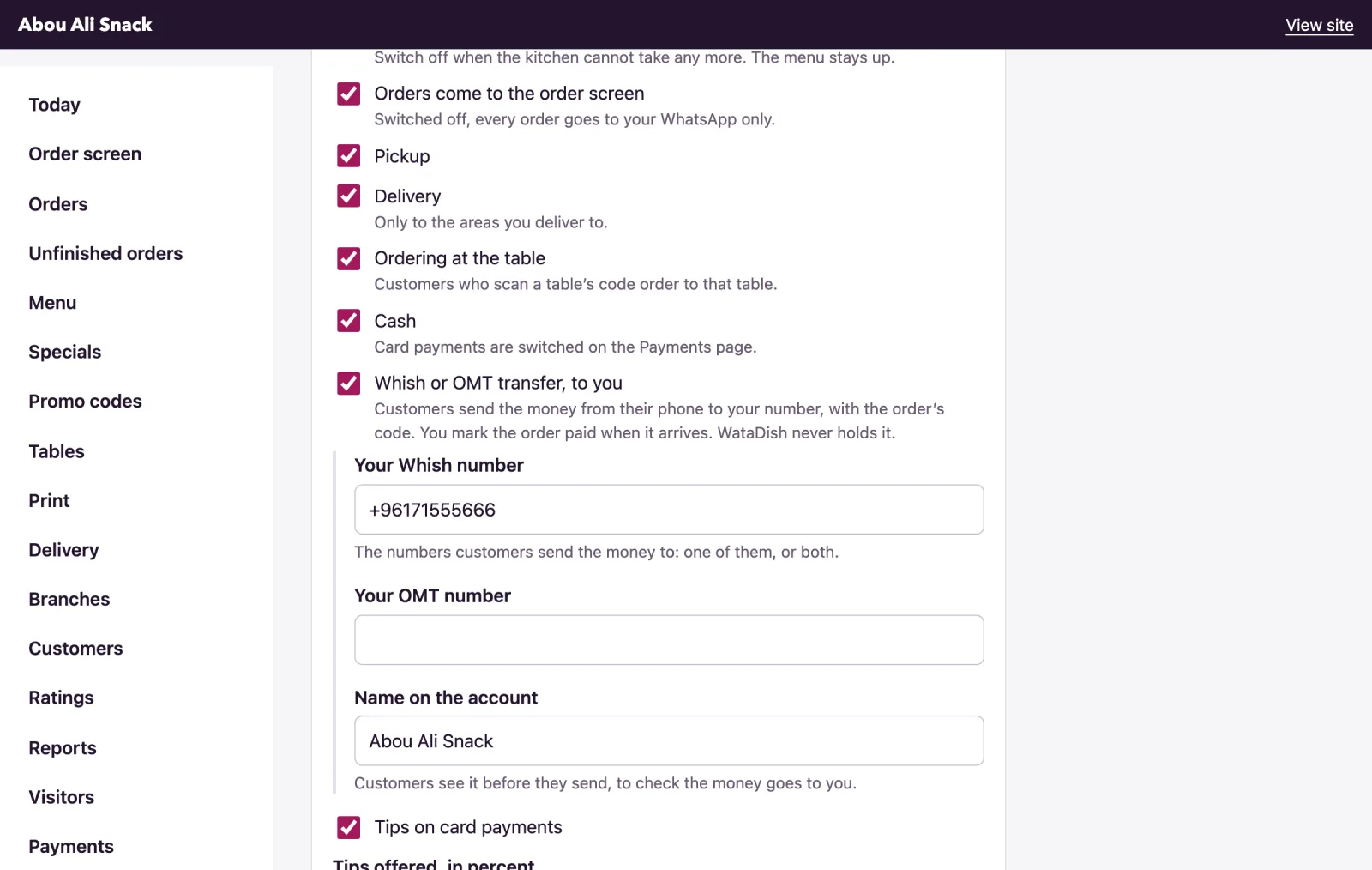
The order is on your order screen as well. To take orders on WhatsApp alone, switch off Orders come to the order screen in Settings, under Ordering: "Switched off, every order goes to your WhatsApp only." The customer's page then says This restaurant takes its orders on WhatsApp: press the button and then Send., and the order reaches the screen only once you accept it from the link; one paid by card still comes straight to the screen. An order nobody accepts in time is closed.
The link at the foot of the message
For the restaurant: opens the order's own page for you, with no sign-in. The first time a phone opens one it asks for the Restaurant PIN ("The digits in Settings in your admin. This phone will remember them.") and keeps it for three months. The PIN is in Settings under PIN and password, as Your PIN; Make a new PIN when a phone that knew it has left the restaurant, since "Every phone that saved the old one will be asked for the new one."
The page shows the ticket and the same buttons as the admin: Ready in (minutes) and Accept, then Start preparing, Ready, Out for delivery and Handed over; under Cannot make it? Turn it down or cancel, Why (the customer sees this) with Turn down or Cancel the order. A first order from a new number is checked here too (Call the customer, Ask on WhatsApp, It is real: confirm the order), and a transfer confirmed with The transfer of $16.00 arrived. One thing it cannot do is turn away an order paid by card: that refunds the card, and is done in the admin by the owner or a manager (see Orders).
Updates to the customer
On an order's page in the admin, and on the link's page, Tell the customer on WhatsApp offers the messages that fit where the order is: Order accepted ("Hello Rima, Abou Ali Snack has your order ABCD2345. It will be ready in about 20 minutes."), Ready for a pickup or a table, On its way for a delivery, Ask how it was once it is done, and Open the chat for anything else. Each opens WhatsApp to the customer's number with the words written in the language they ordered in, ending with the link to their order; you press Send.

The chat button
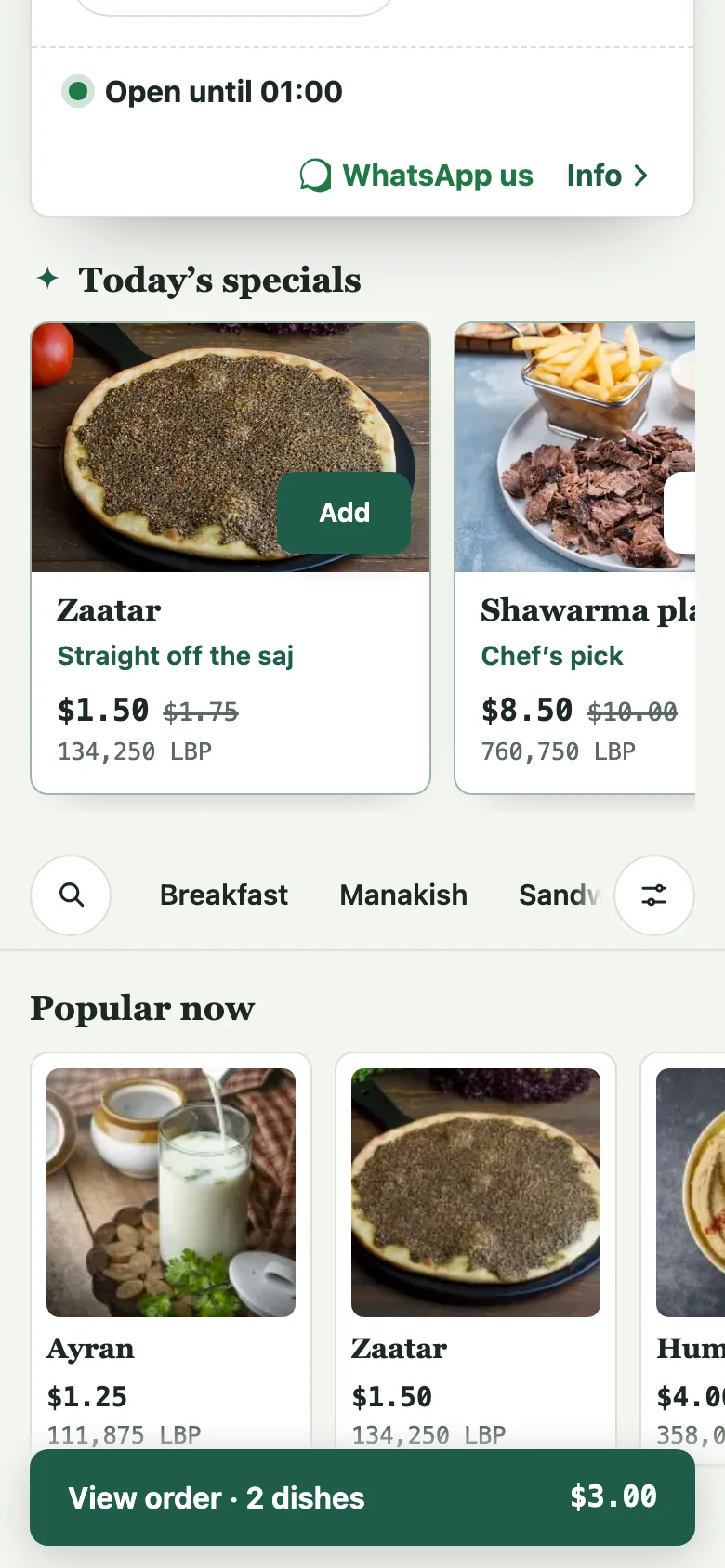
With a number given, the head of the menu carries WhatsApp us, which opens a chat with your number (a branch's own, when the customer chose a branch) starting "Hello Abou Ali Snack, " for them to finish.
Note: The first-order check's Ask on WhatsApp and the reminder on Unfinished orders work the same way, from your own phone, whatever your plan.
Not found what you were looking for? Write to us at support@watadish.com or message us on WhatsApp: WhatsApp